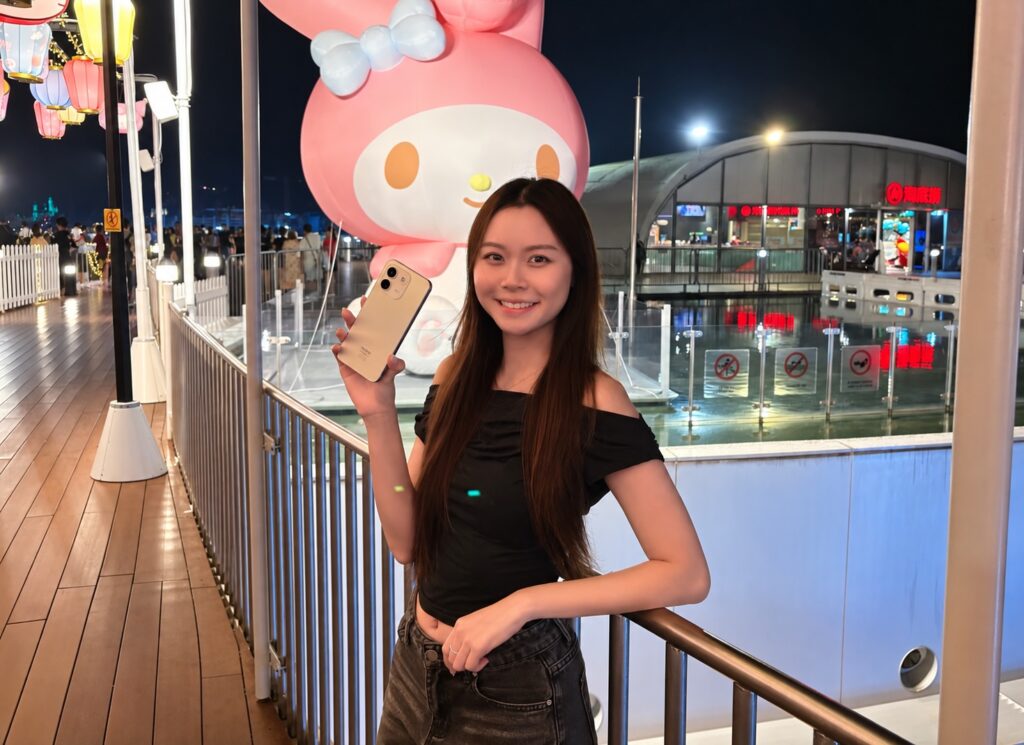



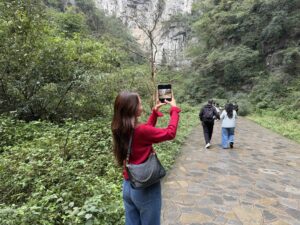
On my recent trip to Chongqing and Chengdu, I brought along Apple’s first foldable smartphone, the iPhone Duo.
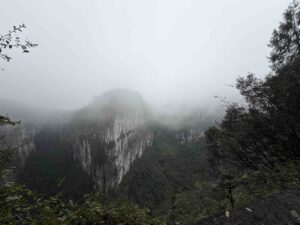
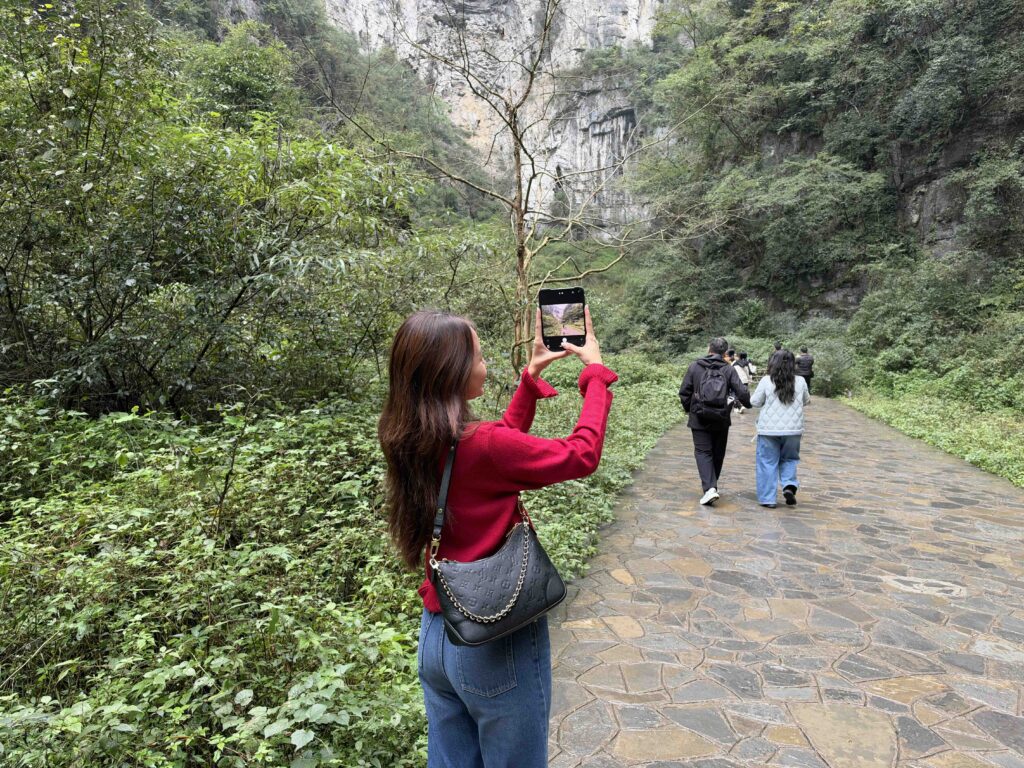
My first major photography stop was Wulong Karst in Chongqing, famous for its spectacular limestone formations, towering cliffs and natural stone bridges. It’s one of those places where photographs rarely do justice to the sheer scale of the landscape. Standing beneath the massive rock formations, the challenge was figuring out how to fit everything into the frame.
This was where the iPhone Duo’s 48-megapixel Fusion Ultra Wide camera came into its own. With a 13mm equivalent focal length and a 120-degree field of view, it offers the flexibility needed to capture the enormous limestone arches and surrounding cliffs without having to move too far back. The 48-megapixel Fusion Main camera, meanwhile, features a 26mm equivalent focal length, an f/1.6 aperture and sensor-shift optical image stabilisation, making it the more versatile option for everyday shots.
At Wulong, I was particularly interested in how the cameras would handle the contrast between the darker rock formations and the brighter openings above. These are challenging conditions for any smartphone, as exposure to the sky can leave the cliffs looking almost black, while brightening the shadows too aggressively can make the scene appear unnatural. Apple’s Smart HDR 5 and Photonic Engine help balance such scenes.
The 48-megapixel cameras and portrait modes also offer greater flexibility, which is useful when there’s an interesting rock formation that doesn’t quite fill the frame.
Another one of the highlights of my Chengdu visit was Panda Valley in Dujiangyan, with the most adorable Giant Pandas. Unlike landscapes or food, they might be resting, eating bamboo or wandering around their enclosures, and there isn’t always an opportunity to get closer.
For visitors hoping to capture close-up photographs of pandas that are farther away, this is a noticeable compromise compared with Apple’s iPhone 18 Pro models, which have dedicated telephoto hardware. Rather than pushing the digital zoom too far, I would generally favour a wider composition that includes the panda’s natural surroundings.
For dinner, we went to Shuyanfu (蜀宴赋), an immersive dining experience inspired by traditional Chinese court culture, elaborate costumes, theatrical performances and beautifully presented dishes, providing a completely different environment for the iPhone Duo’s cameras.
Unlike the outdoor landscapes at Wulong and the Panda Valley, Shuyanfu presents a more demanding low-light situation. The combination of dramatic stage lighting, moving performers and darker surroundings makes exposure and timing especially important. The iPhone Duo’s Night mode is useful for dimly lit scenes, but it isn’t always the best solution when photographing dancers or performers in motion, as longer exposures can introduce motion blur.
I also put the iPhone Duo’s Smart Take feature to the test during a performance at Shuyanfu. With the phone propped up on the table, I could experiment with hands-free photography instead of constantly reaching for the shutter button. Smart Take automatically captures photos when it detects that people in the frame are ready, making it particularly useful for posed moments.
Shuyanfu’s intricately plated dishes also offered a good opportunity to explore the iPhone Duo’s macro photography capabilities. Its 48-megapixel ultrawide camera supports macro shooting, making it possible to get closer to decorative food arrangements and small details that might otherwise be overlooked.
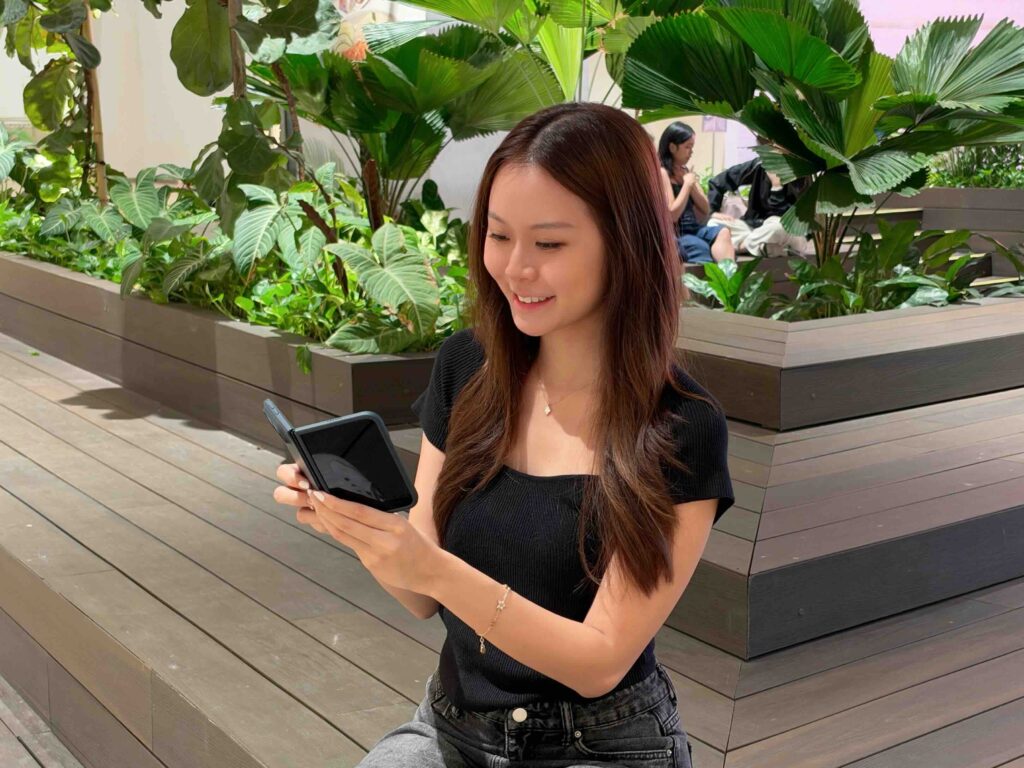
The phone unfolds to reveal a 7.6-inch Super Retina XDR display, considerably larger than its 5.4-inch outer screen. I particularly like the idea of being able to take a photograph with the phone folded, then open it to examine the image in greater detail. Whether it’s appreciating the textures of Wulong’s limestone cliffs, examining the elaborate costumes at Shuyanfu or checking the sharpness of a panda photograph, the additional screen space makes reviewing images much more enjoyable.
The inner OLED display also features a custom nano-texture finish designed to reduce glare, along with up to 3,000 nits of peak brightness. This is especially useful when reviewing photographs outdoors. The larger canvas is also a welcome addition when selecting images for social media, cropping compositions or making edits without having to constantly zoom in and out.
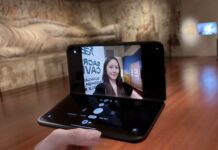
Apple has introduced several photography features that take advantage of the foldable design. Duo Preview, for example, allows the person being photographed to see a live preview on the outer display, making it easier to adjust their pose and framing. Smart Take can automatically capture a group photograph when everyone is ready, while the phone’s ability to stand partially folded opens up possibilities for hands-free photography without needing a separate tripod.
(vlog)
The iPhone Duo is also capable of recording 4K Dolby Vision video at up to 120fps using the main camera. Apple’s intelligent editing tools, including Clean Up, Extend and Spatial Reframing, provide additional flexibility. I also put together a travel vlog; check it out above!
Beyond photography, I found the foldable format particularly appealing for travel. With the larger screen, there’s more room to examine maps, browse travel information or review photographs while planning the next destination. Split View also allows two applications to be displayed side by side, which is convenient when comparing information or checking an itinerary against a map. Powered by Apple’s A20 Pro chip and running iOS 27, the Duo is designed to handle these tasks alongside more demanding creative applications.
Battery life is another consideration for travellers who spend an entire day taking photographs, shooting videos and navigating unfamiliar places. I managed a full day’s use without needing a portable charger.
Starting at S$3,099 in Singapore, the iPhone Duo’s appeal lies in how it changes the experience of capturing, reviewing and sharing photographs. It makes photography feel that little bit more engaging.