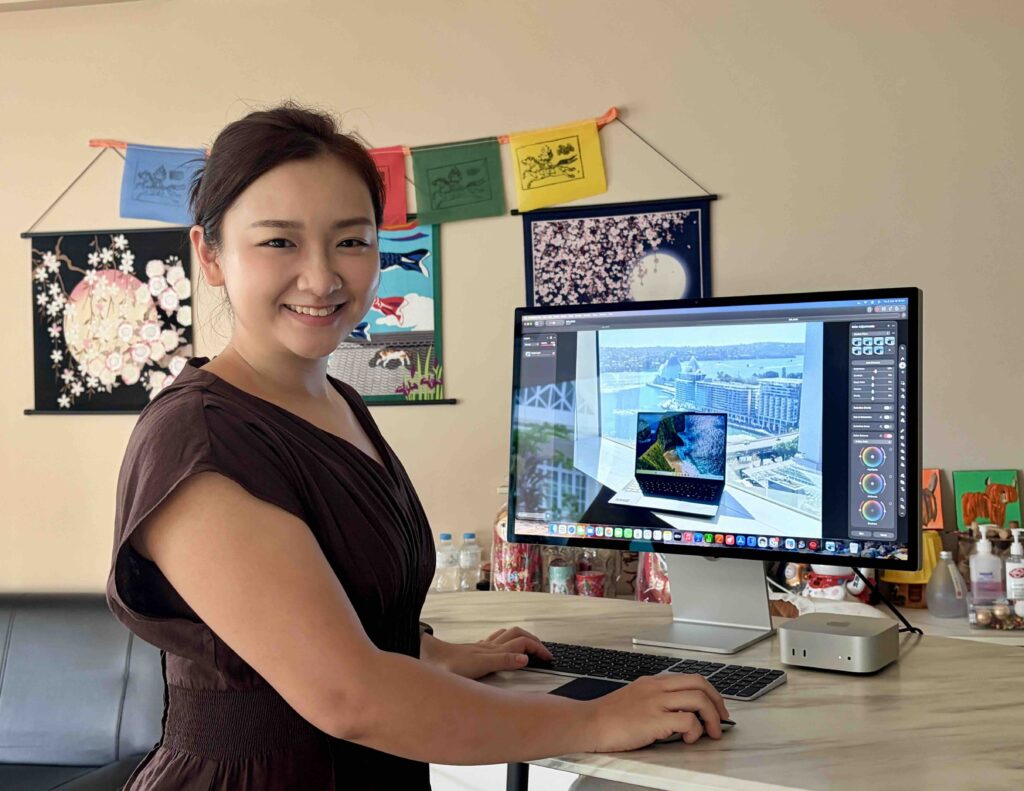




The Mac mini has always been an interesting Mac for me because of how small the desktop is. With the M6, Apple has packed a 12-core CPU, 12-core GPU and Dual 16-core Neural Engines into a machine measuring only 12.7cm wide, 12.7cm deep and 5cm tall. The M6 model weighs 0.67kg, so the computer itself takes up little space on my desk.
For my workflow, the specifications matter because I often have several things running together. During my recent Japan media junket, I had browser tabs, product pages, documents, images, presentation files and research notes open while working on different assignments. The 16GB unified memory kept everything moving smoothly while I switched between writing, research and content preparation.
A Small Mac For A Busy Workday
The amount of content that I needed to push out after my Japan trip gave me a great real-world test for the Mac Mini. I was working on content around several leading headphones from Jabra, Sennheiser, Sony, Marshall and Bowers & Wilkins. At the same time, I had to compare three Lenovo laptops, which meant going through specifications, displays, processors, graphics, ports, connectivity and AI features.
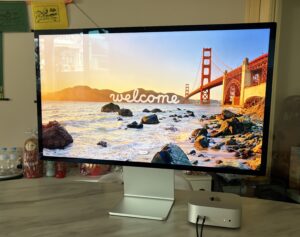
This sort of work involves a lot of back and forth. I might check a manufacturer’s product page, compare a specification against my notes, move over to a document, then open another browser window for another product. The M6 handled these sessions comfortably, especially when I had several applications open together.
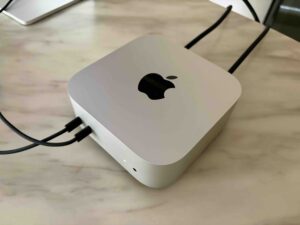
The 12-core CPU also gives the Mac mini enough headroom for heavier work beyond basic writing. Apple says the M6 delivers up to 40 per cent faster CPU performance than the previous generation, while the 12-core GPU brings Neural Accelerators into every GPU core for faster AI workloads.
Putting Apple Intelligence To Work
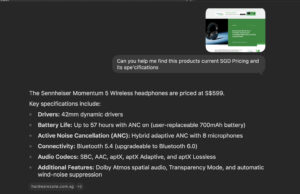
Apple Intelligence was another part of my workflow. I prefer using AI to handle some of the repetitive work around an article rather than having AI write the whole story for me. With a large amount of information from different products, AI helped me organise notes and group information into areas such as sound, ANC, battery life, connectivity and comfort.
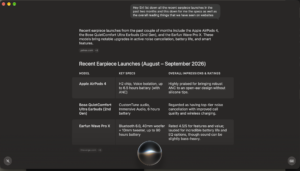
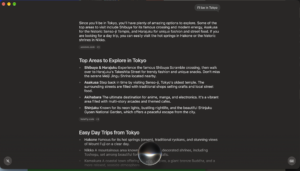
The M6 hardware also makes sense for local AI work. Apple has equipped the chip with Neural Accelerators and a Dual 16-core Neural Engine, while the M6 supports up to 32GB of unified memory. Apple also highlights on-device support for AI workloads such as local models, image effects and AI agents.
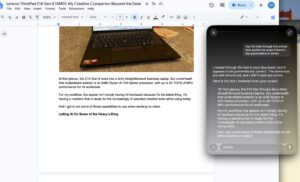
For my editorial work, the biggest benefit was having a fast machine ready for these tasks without changing my workflow. I still checked product specifications against the sources and made the final decisions on what belonged in the article. What’s more, with the new OS27 updates, I can even get Siri’s opinion and feedback on some of my write-ups. Really useful for grammar errors.
Creating Slides With AI
Beyond using Apple Intelligence for research, usually after a media trip, I get bombarded with more information than I need. Be it product notes, photographs, specifications and quotes, everything has a use to it. When it comes to creating a presentation from scratch, it will take another round of organising, especially when I need a clear structure rather than a collection of product specifications.
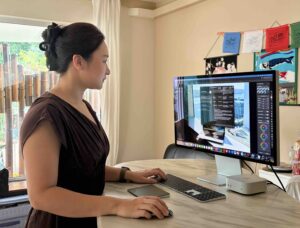
I used AI to help organise information for presentations and suggest how sections should be arranged. For a headphone comparison, one structure could focus on sound, ANC, comfort, battery life and connectivity. From there, AI also helped with ideas for the visual direction and theme of the slides.
Instead of starting with an empty presentation, I used AI to help organise the information and suggest a structure. For a headphone comparison, I could separate the presentation into sections covering sound, noise cancellation, comfort, battery life and connectivity rather than filling each slide with specifications.

AI also helped me develop a script for the slides. I still handled the final content and layout, but having ideas to work from made the process faster and gave me a clearer direction before I started designing the presentation.
Useful Beyond Editorial Work
My work is less technical than what many engineers, developers or architects do, but the same hardware makes sense for those workflows. A Mac mini with a 12-core CPU, 12-core GPU and up to 32GB unified memory has enough headroom for development tools, documentation, design applications, multiple browser windows and other demanding desktop tasks.
Connectivity also matters for a desktop setup. The M6 Mac mini has three Thunderbolt 4 ports supporting up to 40Gb/s, HDMI, 2.5Gb Ethernet and Wi-Fi 7. The machine supports up to three external displays, including configurations involving two 6K displays and a third display, depending on the setup.
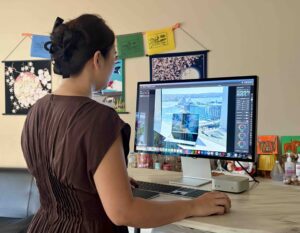
For an editor, I would see this as useful when working with a large monitor, external SSDs and other accessories. Once everything is connected, the Mac mini becomes a permanent workstation rather than another device I need to set up every morning.
Photo And Video Work
Editorial work also involves plenty of media, especially after travelling for a media assignment. After returning from Japan, I had photographs, video clips and other content from the different sessions to sort through and prepare for publication.
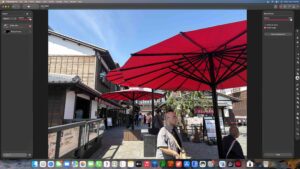
The M6 includes hardware acceleration for H.264, HEVC, ProRes and ProRes RAW, along with dedicated video encode and decode engines. For my usual photo and video work, performance was smooth, whether I was moving between images, preparing content or working on short video projects.
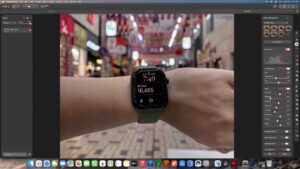
The Mac mini is not replacing a high-end workstation for heavy professional video production in my setup. For the type of editing I do alongside writing and research, though, the performance was more than enough.
The 256GB Storage Question
The 256GB SSD is the part of this configuration I would think about before buying. My editorial work involves plenty of photographs, video clips and other media, and storage fills up quickly after a media trip.
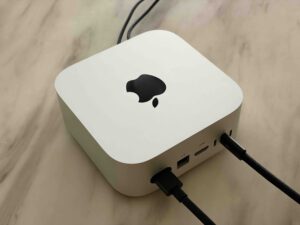
For writing, browsing and cloud-based work, 256GB is manageable. For heavier photo and video workflows, I would pair the Mac mini with an external SSD and keep larger media libraries there.
This setup also makes sense for a desktop. Unlike a laptop, I do not need to carry the external storage around with me every day. My monitor, SSD and other accessories can stay connected to the Mac mini, ready for the next project.
My Editorial Workhorse
After using the Mac mini M6 for my editorial workflow, I came away impressed by how easily it handled the different parts of my work. I used it for research, writing, photo and video work, presentation creation and AI-assisted tasks, often with several applications running at the same time.
The Mac mini M6 starts from S$1,299 in Singapore. The configuration I tested comes with a 12-core CPU, 12-core GPU, 16GB unified memory and 256GB SSD storage.