



Artificial intelligence is becoming part of everyday computing, from summarising documents and enhancing photos to helping with presentations. AI PCs take this further by running more AI tasks directly on the laptop, rather than relying entirely on the cloud. This can mean faster responses, offline capabilities and greater privacy.
What Makes an AI PC Different?
Most laptops can access cloud-based AI tools through a browser, but these typically send information to remote servers for processing. AI PCs can handle supported tasks locally, such as improving video calls, editing photos, transcribing meetings and searching files using natural language.
The key is a dedicated Neural Processing Unit (NPU). While the CPU handles general computing and the GPU tackles graphics and other demanding workloads, the NPU is optimised specifically for AI. This can make supported AI features faster and more power-efficient, while helping sensitive data remain on the device.
What Can You Do With One?
AI PCs can enhance video calls with background blur and lighting correction, accelerate photo upscaling and noise removal, provide live transcription and meeting summaries, and make it easier to find files by describing their contents.
Not every AI feature runs locally, however. Depending on the software, processing may still use the CPU, GPU or cloud.
What Does TOPS Mean?
You’ll increasingly see TOPS — trillions of operations per second — used to describe an NPU’s AI performance. A higher number indicates greater theoretical AI processing capability, but it isn’t the only measure of a good AI PC.
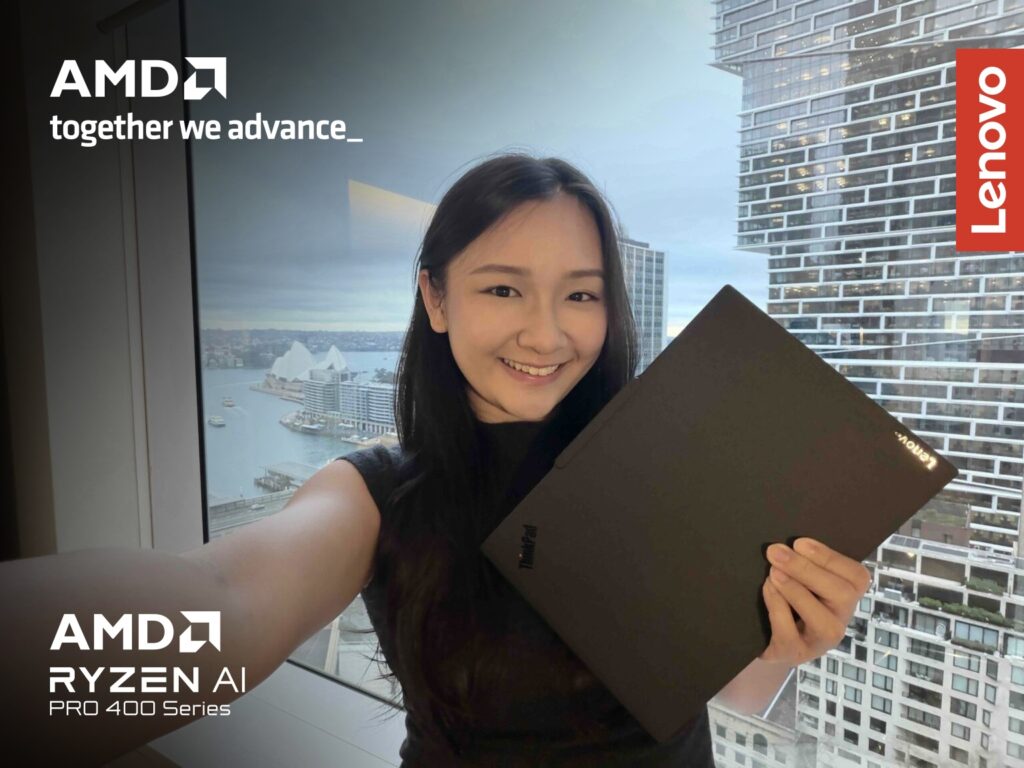
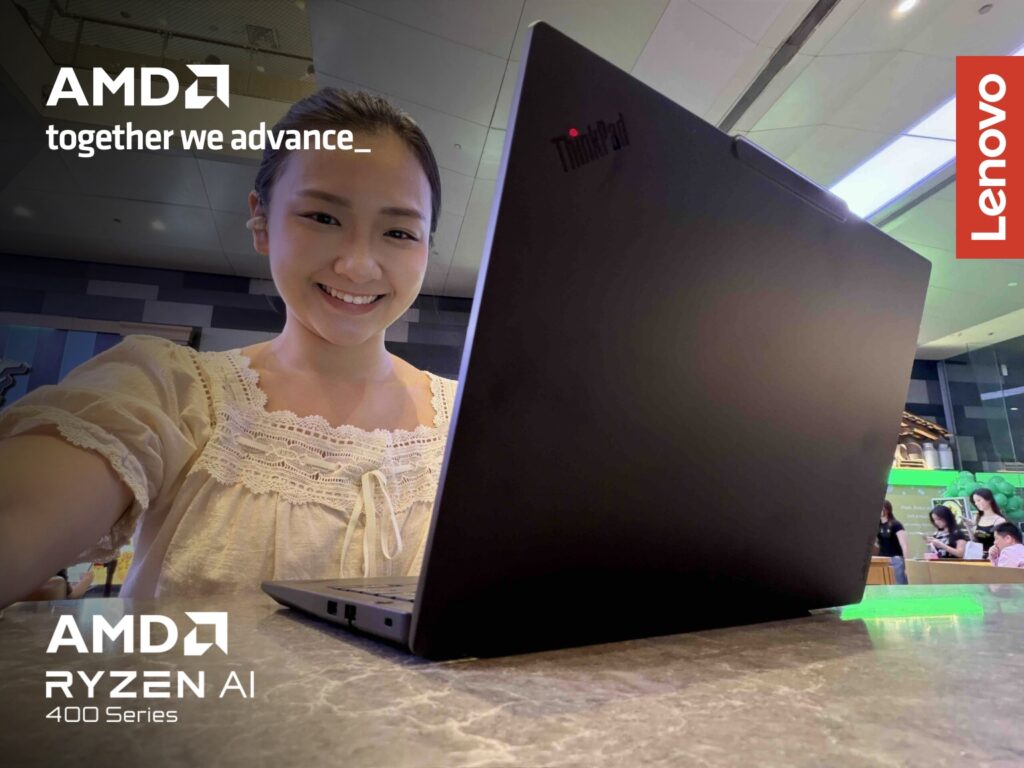
Selected AMD Ryzen AI processors, for example, offer up to 60 TOPS of NPU performance, alongside Zen 5 and Zen 5c CPU cores and RDNA 3.5 graphics.
Ultimately, buyers should still consider the complete package. CPU and GPU performance, RAM, storage, battery life, cooling and software support remain just as important as the NPU.
Which AI PC Fits Your Lifestyle?
The category has now expanded beyond premium flagship machines, with AI-capable laptops available for students, mainstream users and professionals.
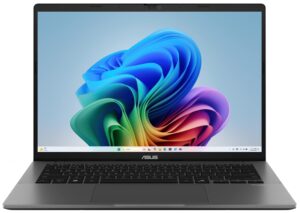
For students, the ASUS Vivobook 14 with AMD Ryzen AI 7 445 combines AI capabilities with the performance and storage required for everyday activities such as research, assignments, browsing and entertainment.
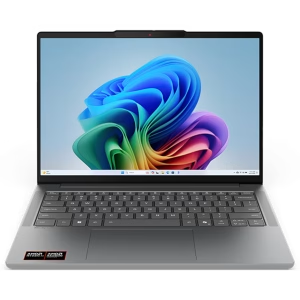
The Lenovo IdeaPad Slim 5a with Ryzen AI 5 430 provides another everyday option, with AI capabilities aimed at study, general productivity and creative projects.
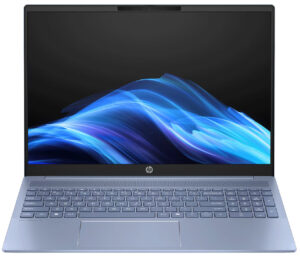
Mainstream users can choose the HP OmniBook 5 with Ryzen AI 5 340, a versatile everyday laptop in a slim aluminium design.
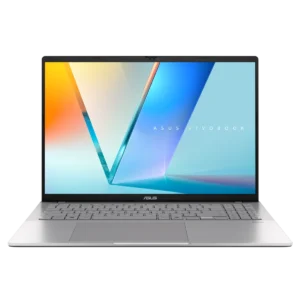
The ASUS Vivobook S16 with Ryzen AI 7 445 steps things up for users who want additional performance for productivity, content creation and AI-assisted workflows.
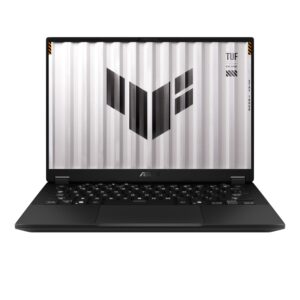
More demanding professional and creative workloads require a different balance of hardware. The ASUS TUF Gaming A14 with Ryzen AI MAX+ 392, for example, targets intensive jobs including 4K video editing and code compilation.
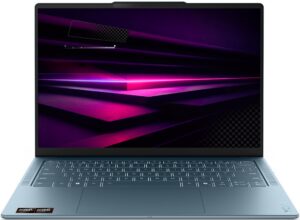
The Lenovo Yoga Slim 7a with Ryzen AI 7 445 combines portability with an OLED display and strong multithreaded performance for creative work.
The right choice therefore depends less on whether a laptop carries an AI label and more on what you want AI — and the rest of the computer — to do.
What Should You Look for Before Buying?
An NPU is increasingly worth considering if you expect to keep your next laptop for several years, but it should not overshadow the fundamentals.
Look at whether the processor and NPU meet the requirements of the AI platform and applications you intend to use. Then consider RAM and storage, especially if you plan to run larger AI models or creative applications locally. Battery life, display quality, connectivity and weight remain just as relevant as they were before the arrival of AI PCs.
So when buying your next laptop, the question is no longer simply whether it can access AI. Almost any computer can do that. The more useful question is how much AI it can handle efficiently on its own — and whether those capabilities match the way you actually work, study and create.