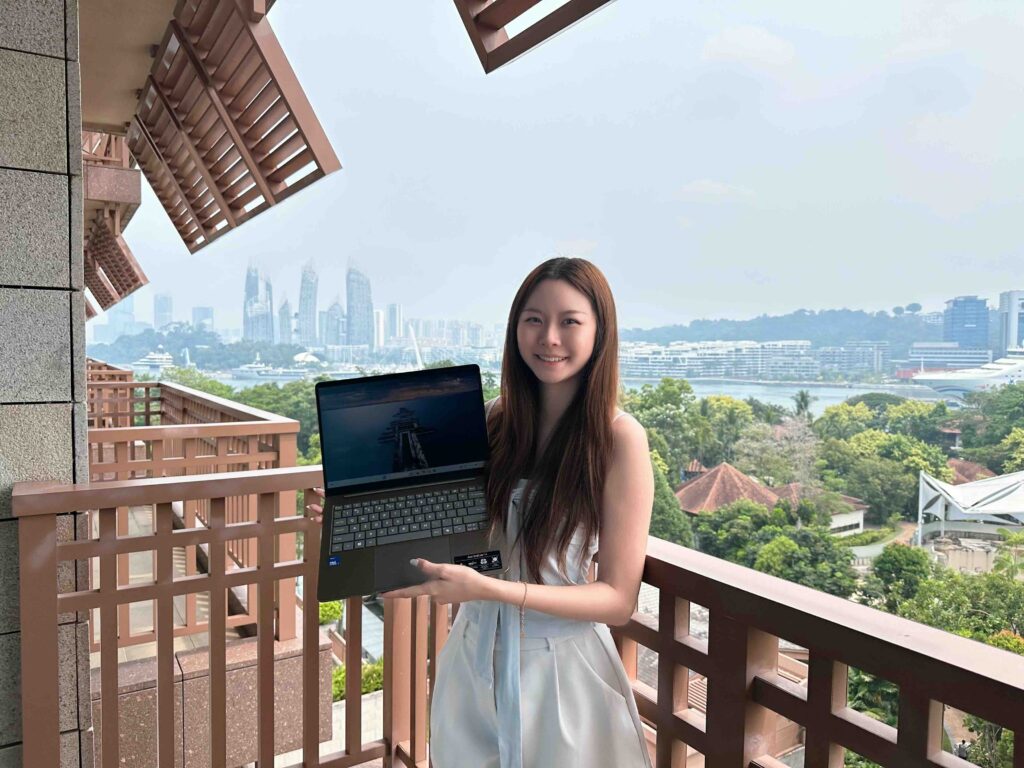



My work often shifts between magazine editing and content creation. Writing about technology means sorting through specifications and making sense of product features, while creating social content means turning ideas into something visual.
The MacBook Neo fits into this daily mix of words and images.
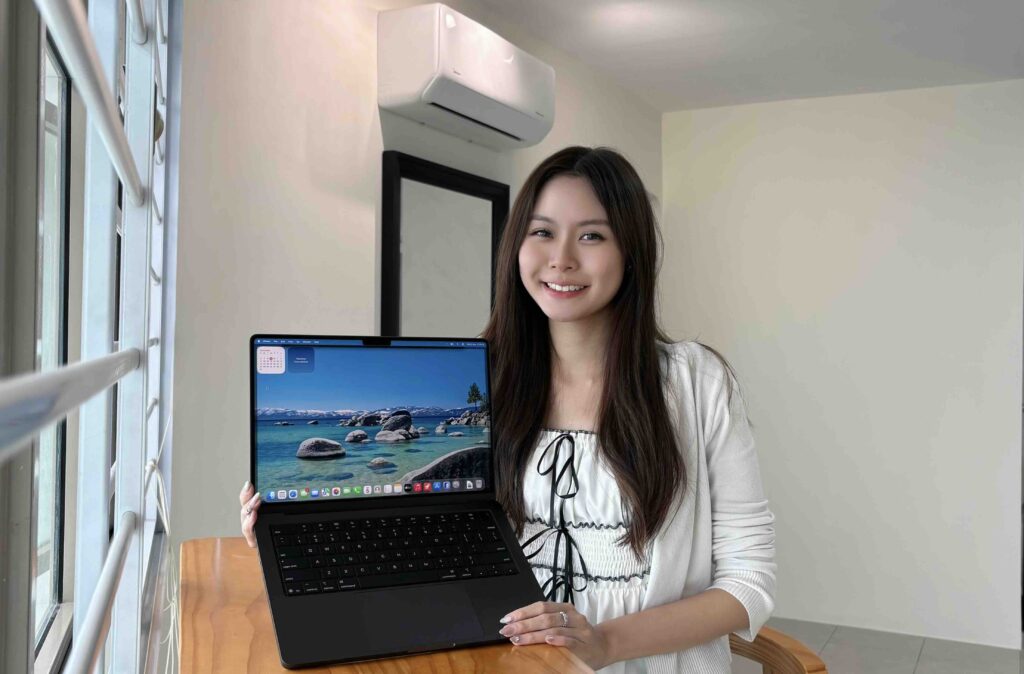
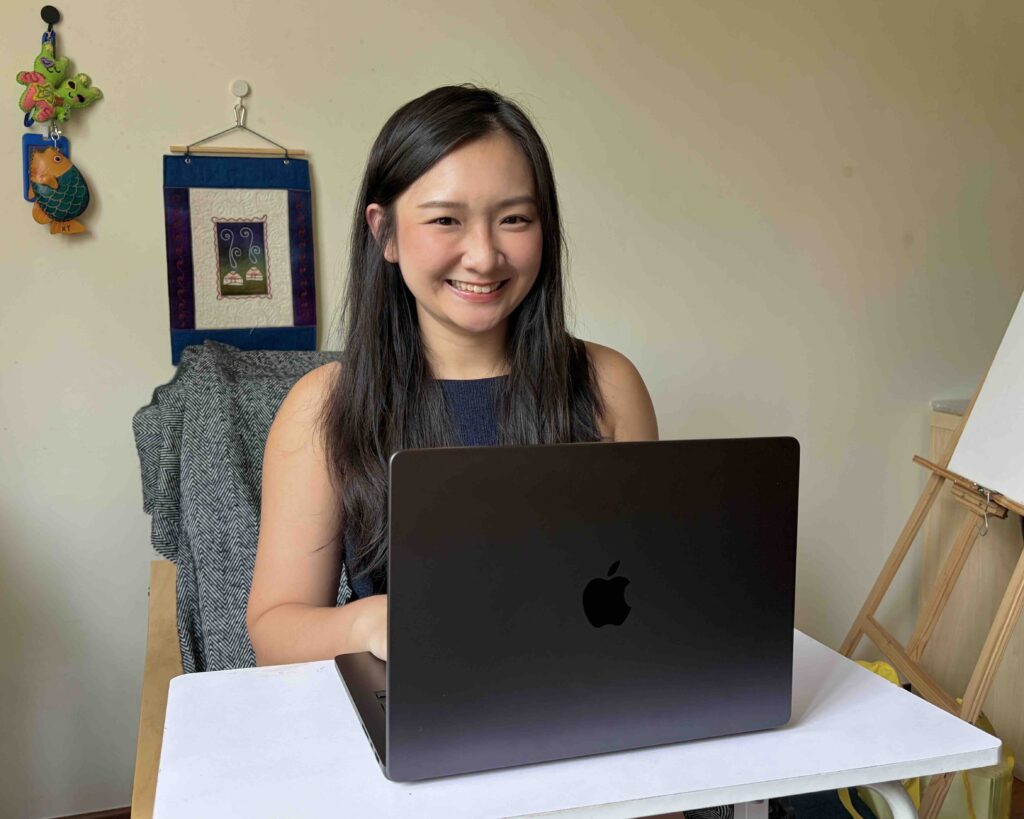
I use the silver MacBook Neo, and its clean design and aluminium body suit my taste. It is light enough to carry wherever I need to work. When I am switching between writing and creating content, being able to open my laptop and pick up where I left off makes that flexibility useful.
Organising My Notes with AI
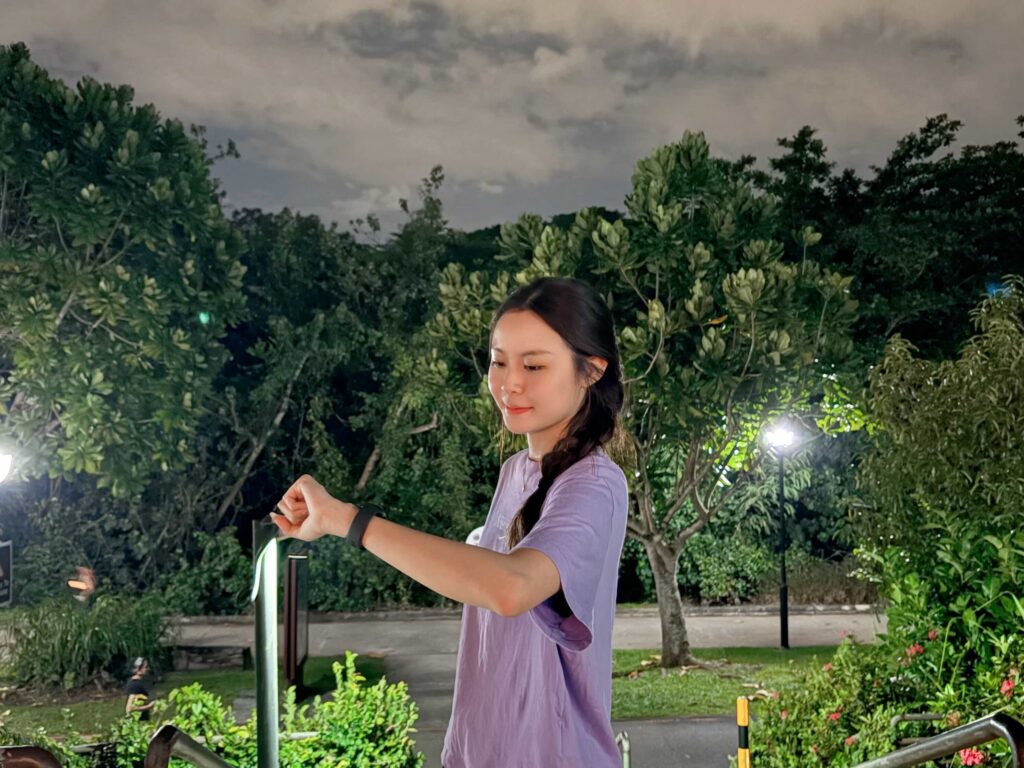
Before I start an article, I usually spend some time organising product information. When reviewing a sports watch, for example, my notes might cover activity tracking, sleep monitoring, battery life and how comfortable it feels to wear. Once those observations are written down, I still need to work out what matters most for the story.
Writing Tools in Apple Intelligence helps with this stage. In Notes, I select the text and choose Key Points to turn scattered information into a clear list. This makes it easier to spot details that need more attention and decide how to structure the article.
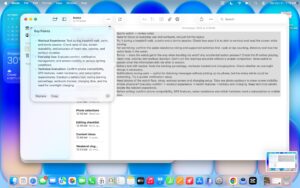
I like being able to do this directly in Notes. I can capture my thoughts and organise them in the same place, with a clearer direction when it is time to write.
Putting the Focus Back on the Subject
AI also comes in handy for photo editing. I chose a photo of myself where I liked both the composition and how I looked, but there were other people in the background.
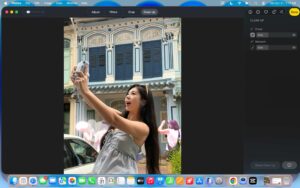
Using Clean Up in the Photos app, I circled the people I wanted to remove and let it process those areas.
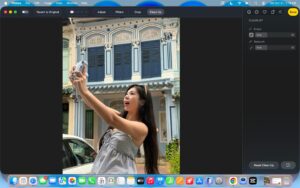
The result was a cleaner background that kept the focus on me. People often wander into the frame when taking everyday photos, so this is a useful way to keep a shot I like and make a small adjustment before sharing it. The controls are straightforward, and the difference is easy to see.
Switching from Editorial to Creator
For my content creation work, I use the MacBook Neo to edit everyday vlogs, bringing the moments I have filmed together into a video. Pacing matters to me, so I often replay and adjust sections until the cuts feel right with the music.
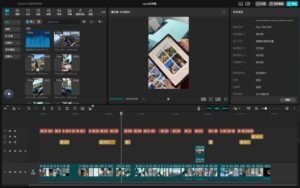
The MacBook Neo runs on the A18 Pro chip, with a 6-core CPU and 5-core GPU, plus hardware acceleration for H.264 and HEVC video. These capabilities support everyday video work. For the way I create, being able to review footage, make changes and preview the edit is an important part of what I need from a laptop.

Its 13-inch Liquid Retina display has a resolution of 2408 × 1506 and 500 nits of brightness. The clear picture helps me check details and subtitle placement, as well as see how colours and lighting match from one clip to the next.
Making My Devices Work Together
I regularly use photos and videos from my phone in articles and social posts. With iPhone Mirroring, I can use my iPhone directly from the Mac and drag photos or videos across from apps that support drag and drop.
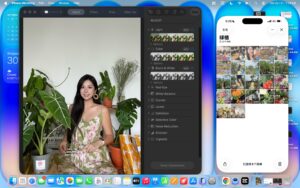
Whether I am choosing images for an article or organising footage, moving material between devices this way is convenient.’
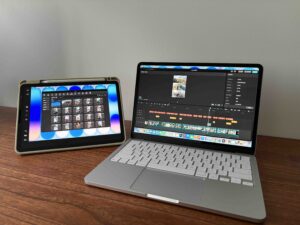
When I need more screen space, I use Sidecar to turn my iPad into an extended display. I keep the editing timeline on the Mac and a window of source footage on the iPad, so I can browse clips while adjusting the edit. Having a separate space for each makes the setup easier to work with.
That is why the MacBook Neo fits my routine. Between writing, photo editing, video work and connecting with my other devices, one laptop supports both sides of my work and lets me focus more on the content itself.
The MacBook Neo is now available from S$999 at the Apple Store.
MacBook Neo:一台电脑,两种工作身份
我的工作经常在杂志编辑和内容创作者之间切换。写科技文章,需要整理参数、梳理产品特点;制作社交内容,则需要把创意变成画面。MacBook Neo 融入的,就是这样一种文字与影像交替进行的日常。
我使用的是银色 MacBook Neo,简洁的外观搭配铝金属机身,质感很合我的喜好。机身轻巧,带到哪里办公都很方便。对我经常在写稿和制作内容之间切换来说,打开电脑就能继续手上的工作,这种灵活性很实用。
用 AI 整理写作思路
作为编辑,动笔之前,我通常需要先整理一轮产品资料。测评一款运动手表时,运动记录、睡眠追踪、续航和佩戴体验,零散地记下来之后,还需要找出文章的重点。
Apple Intelligence 的“写作工具”很适合参与这一步。我在备忘录中选中资料,再选择“要点”,原本混在一起的信息就会被提炼成清楚的条目。回看时,更容易找到需要补充的细节,也方便安排文章顺序。
我喜欢这种直接在备忘录里完成整理的方式,记录和梳理可以连着做,写稿时思路也更集中。
让照片的主体更突出
AI 同样能帮忙处理图片。我选了一张自己的照片,构图和人物状态都很喜欢,但背景里有其他路人。打开“照片”App 的“清理”功能,圈选想移除的人物,就能让系统处理对应区域。
清理之后,背景更简洁,视线也更集中在我身上。平时拍照很容易遇到路人入镜,这个功能让我能保留喜欢的照片,再做一些简单调整,用于生活分享或社交帖子。操作直观,处理前后的变化也很明显。
从编辑切换到创作者
切换到内容创作者的身份,我会用 MacBook Neo 剪辑日常 Vlog,把拍下的生活片段整理成视频。制作内容时,我很在意画面的节奏,经常反复预览和调整,让镜头与音乐衔接得更自然。
MacBook Neo 搭载 A18 Pro 芯片,配备 6 核 CPU 和 5 核 GPU,并支持 H.264、HEVC 视频硬件加速,为日常视频处理提供支持。对我的创作方式来说,能够方便地回看素材、修改内容,再预览整体效果,是电脑的重要使用价值。
它的 13 英寸 Liquid Retina 显示屏拥有 2408 × 1506 分辨率和 500 尼特亮度。回看素材时,清晰的画面方便我检查细节与字幕位置,也能留意不同镜头之间的色彩和明暗是否协调。
让不同设备各展所长
日常工作中,我经常需要把手机里的素材用到文章或社交内容里。通过 iPhone 镜像,我可以直接在 Mac 上操作手机,把支持拖放的照片或视频素材拖到电脑上。无论是给文章挑选配图,还是整理拍摄素材,这种设备之间的衔接都很方便。
需要更多显示空间时,我会通过 Sidecar 把 iPad 设为扩展屏幕。Mac 显示剪辑时间线,iPad 放素材窗口,一边查看素材,一边调整片段,工作区域也更清楚。
这也是 MacBook Neo 贴合我日常的地方:从写稿、修图到剪辑视频,再加上多设备协作,一台电脑就能兼顾我的两种工作身份,让我把更多精力放在内容本身。
MacBook Neo 现已在 Apple Store 上架,售价从 999 新元起。