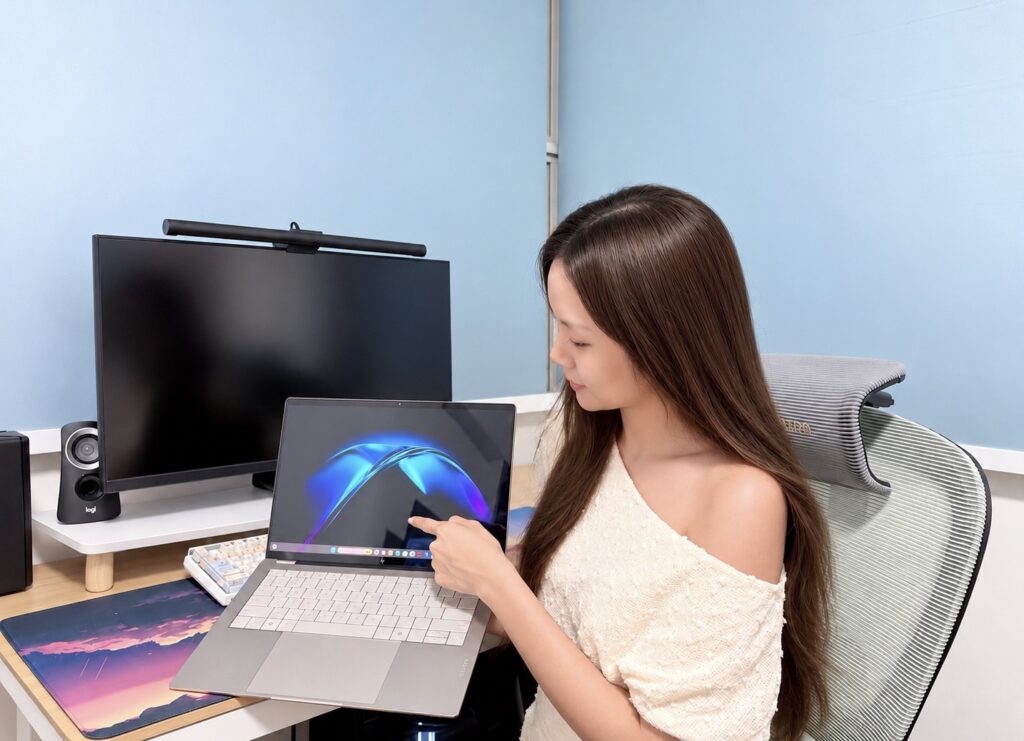




There’s something particularly appealing about a laptop that doesn’t weigh down my bag, especially when I’m constantly moving between home, work and occasionally the cafe. I really appreciate something lightweight, practical and capable of keeping up with my daily routine.
That’s exactly the audience Acer is targeting with its new Swift Air 14. Weighing just 1.19kg and measuring 12.99mm, this is a laptop designed with portability in mind.
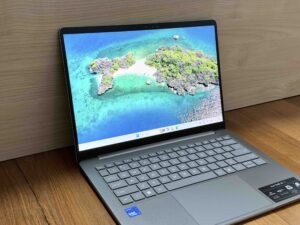
The aluminium chassis gives it a sleek, refined appearance without adding unnecessary bulk.

There’s also a 180-degree hinge that allows the screen to open completely flat, which could be useful when sharing something with someone sitting across the table.
A Screen That Goes Beyond the Basics
The Swift Air 14 comes with a 14-inch WUXGA IPS display featuring a 1920 x 1200 resolution, a 16:10 aspect ratio and a 120Hz refresh rate.
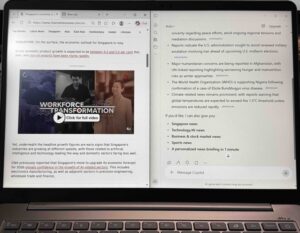
I personally appreciate the taller 16:10 aspect ratio on a laptop, particularly when working with documents, spreadsheets or browsing websites. That little bit of extra vertical space means less scrolling, which makes a difference when you’re spending hours looking at a screen.
The 120Hz refresh rate is another welcome addition. While it’s not something everyone will actively notice, it should make scrolling and navigating through Windows feel smoother than on a standard 60Hz panel.
Enough Power for the Everyday Hustle
Powering the Swift Air 14 is Intel’s Core 7 350 processor from the Core Series 3 family. Featuring six cores and clock speeds of up to 4.8GHz, it’s designed to handle everyday computing without requiring a bulky laptop.
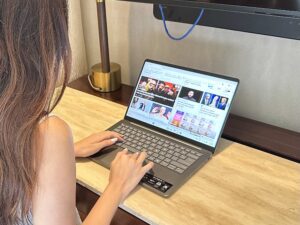
My configuration pairs this with 12GB of LPDDR5X RAM, a 512GB PCIe Gen4 SSD and integrated Intel Graphics. I can juggle browser tabs, writing articles, preparing presentations, answering emails and streaming videos all at once.
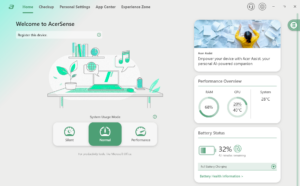
One of the applications I spent some time exploring was AcerSense, Acer’s own utility software that brings together various system settings and monitoring tools in one place. I actually find this sort of software quite useful. Instead of digging through different Windows menus, I can open AcerSense to get an overview of what’s happening with my laptop, from system performance to battery-related settings and device health.
I particularly like being able to check how the system is doing when I’m juggling different tasks.
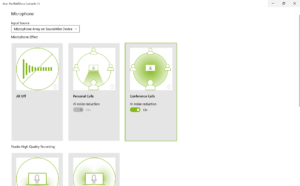
I also appreciate Acer’s PurifiedVoice feature, which uses AI noise reduction to help filter out background chatter during video calls, especially when I’m working from a busy cafe or somewhere noisy.
Making Copilot Part of My Routine
Of course, AI is becoming increasingly common in laptops, and the Swift Air 14 comes with a dedicated Copilot key for quick access to Microsoft’s AI assistant.
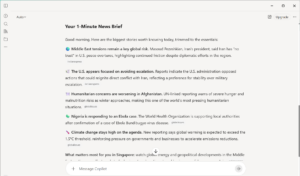
I enjoy using Copilot for the little things that make my day easier. One of my favourite uses is getting a quick overview of the day’s news. Rather than opening multiple articles first thing in the morning, I can ask Copilot to summarise the main headlines and give me a general idea of what’s happening.
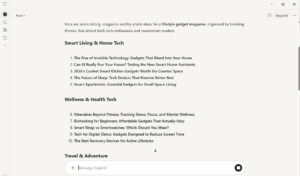
As someone who writes quite a bit, I also appreciate having an AI assistant available when I need a little inspiration. Whether it’s helping me brainstorm an angle for an article, make sense of a complicated topic or organise my thoughts, Copilot can be a useful sounding board.
The Swift Air 14 also features a dedicated neural processing unit capable of up to 17 TOPS of AI performance. For the way I use Copilot, it’s the everyday convenience that matters most.
Made for Work on the Move
Of course, there’s little point in having an ultraportable laptop if you’re constantly hunting for a power socket.

Acer rates the Swift Air 14 for up to 19 hours of video playback or 16 hours of web browsing, although these figures are based on controlled testing conditions. Real-world battery life will depend on factors such as screen brightness, applications and workload.
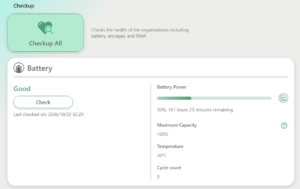
The battery can be charged to 50 per cent in just 30 minutes when using a compatible 100W power adapter.
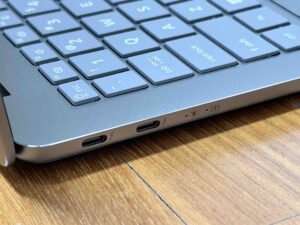
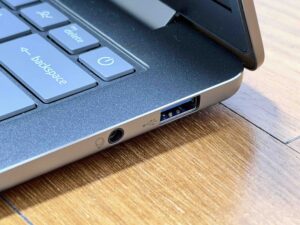
Connectivity hasn’t been completely sacrificed in pursuit of a slim profile either. The Swift Air 14 features two Thunderbolt 4 USB-C ports and a USB-A port, along with Wi-Fi 6E and Bluetooth 5.3.
Acer has also fitted four speakers with DTS Ultra audio, which is a pleasant addition for a laptop this compact. Whether you’re watching a show after work or listening to music while getting things done, having a more capable speaker setup is always welcome.
Final Thoughts
What appeals to me most about the Acer Swift Air 14 is that it focuses on things that truly matter for everyday use: a lightweight chassis, a generously sized display, a capable processor and practical connectivity.
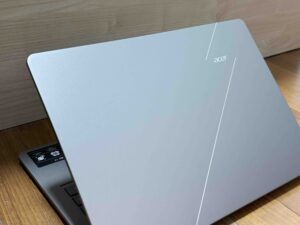
I particularly like the combination of its 1.19kg weight and 14-inch 120Hz screen. For my usage, this balance makes sense to me.
The Acer Swift Air 14 is available in Singapore, with a listed regular retail price of S$1,199.