

I’ve reviewed plenty of laptops where the story naturally starts with productivity. Typically sharing how quickly I can write, how many applications I can have open and how well a machine handles the daily grind.
But with the Lenovo ThinkPad E14 Gen 8 (AMD), I wanted to look at it a little differently.
Instead of asking how well it handles my work (no doubt about that), I wanted to see how well it handles the creative side of my day-to-day.
These days, creating content isn’t just about putting words on a page. One review project can involve shooting photographs, sorting through those images, editing them, cutting video clips and putting everything together into something that generates interest.
The E14 Gen 8 has quietly become the machine I reach for through that process.
A Creative Machine in Disguise
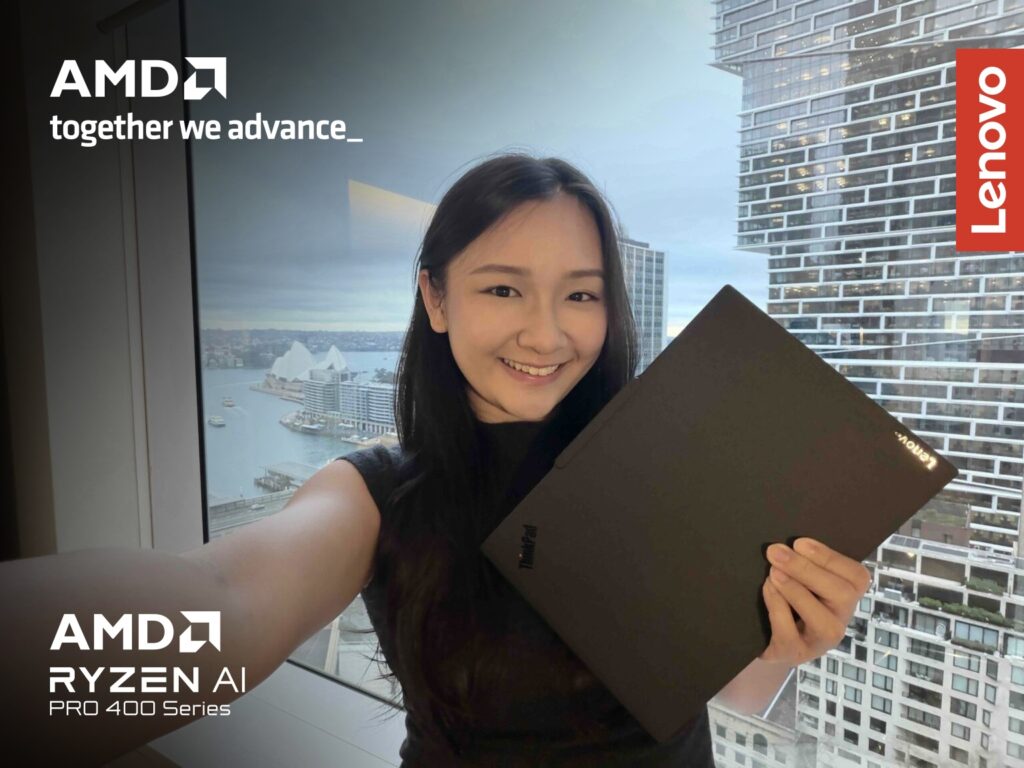
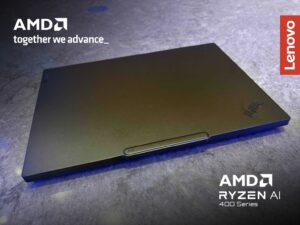
At first glance, the E14 Gen 8 looks like a fairly straightforward business laptop. But underneath that understated exterior is an AMD Ryzen™ AI 400 Series processor, with up to 50 TOPS of NPU performance for AI workloads. It is designed to support increasingly sophisticated AI-enabled creative experiences, helping make tools such as caption generation, transcription and content creation a more seamless part of everyday workflows.

As AI continues to become part of modern content creation, the AMD Ryzen™ AI 400 Series processor provides dedicated AI acceleration to help support emerging AI-enabled experiences while maintaining the responsiveness needed for everyday creative work.
And I got to put some of those capabilities to use when working on video.
Letting AI Do Some of the Heavy Lifting
One of the tools I found particularly useful was Microsoft Clipchamp. Video editing can be surprisingly time-consuming, especially when you’re creating content alongside everything else on your plate. Clipchamp’s AI-powered features helped take some of the more repetitive work off my hands.

For instance, I could use text-to-speech to turn written copy into narration, rather than having to record a voiceover every time. The AI tools could also help optimise my videos, while automatically generating captions for my footage.
That last one was especially convenient.

Instead of sitting there listening back to the entire video and manually typing out what was said, I could let AI generate the captions and then make any necessary adjustments.
None of these features is going to replace a professional video editor, but that’s not really the point. For the kind of quick editorial and social content I work on, they save time on the small tasks that can otherwise add up. And when you’re working against multiple deadlines, getting those little jobs out of the way faster is a big deal.
Putting the Camera to the Test
I also spent some time using the E14 Gen 8 for recording clips for reviews. The laptop’s 5MP camera did a good job of capturing the environment around me, particularly when I was working from Tim Hortons.

The footage came out clear, and I was impressed by how well the camera picked up the vibrant colours around me. Cafés can be tricky environments for laptop cameras, but the E14 produced footage that, though not the same as phone quality, was clearer than my expectations.
My Creative Workspace Is Wherever I Find It
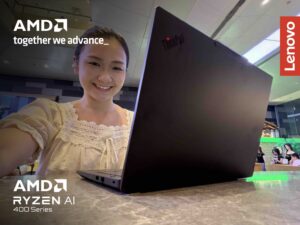
That brings me to another part of my experience with the E14 Gen 8. I’ve been taking it to cafés. Sometimes I change my surroundings to get the creative juices flowing again.
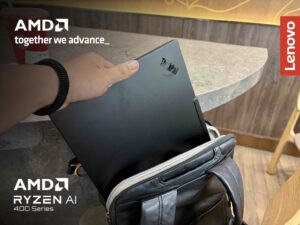
Thankfully, the E14 fits nicely into that lifestyle. It’s portable enough to be brought around, and it doesn’t feel like I’ve sacrificed too much screen space just for the sake of portability. With Wi-Fi 7 support, it’s also well suited to working across different locations.
The AI Feature I Found Most Useful
Of all the AI features on the E14 Gen 8, Lenovo Smart Meeting was probably the one I found most useful.

The transcription and AI summary tools are particularly handy for team discussions. Instead of trying to take notes while staying engaged in a meeting, I could let the laptop capture the conversation and use the AI summary afterwards to quickly recap the key points and action items.

It’s a simple example of AI actually making my workday a little easier, rather than just being another feature on the spec sheet.
What are my thoughts?
The ThinkPad E14 Gen 8 has made me rethink what I want from a creative laptop. I don’t necessarily need something covered in RGB lights or built exclusively for professional video production. I need something versatile enough to follow me through the entire creative process.
Shoot. Edit. Enhance. Write. Publish. Repeat.
The E14 Gen 8 handles all of that while remaining portable enough to come along for the ride. For me, it’s become something closer to a creative companion that I can pull out whenever an idea strikes, whether that’s at my desk, in a café or somewhere in between.
The Lenovo ThinkPad E14 Gen 8 (AMD) is currently available and retails starting at $1,534.53 at selected Lenovo retailers and the Lenovo Online Store.