


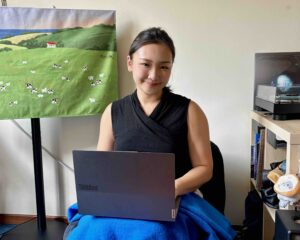
As a tech journalist, my laptop is essentially my office. Most days involve a mix of drafting articles, researching products, juggling browser tabs, checking specifications, hunting for photos, and, of course, editing everything before it goes live.
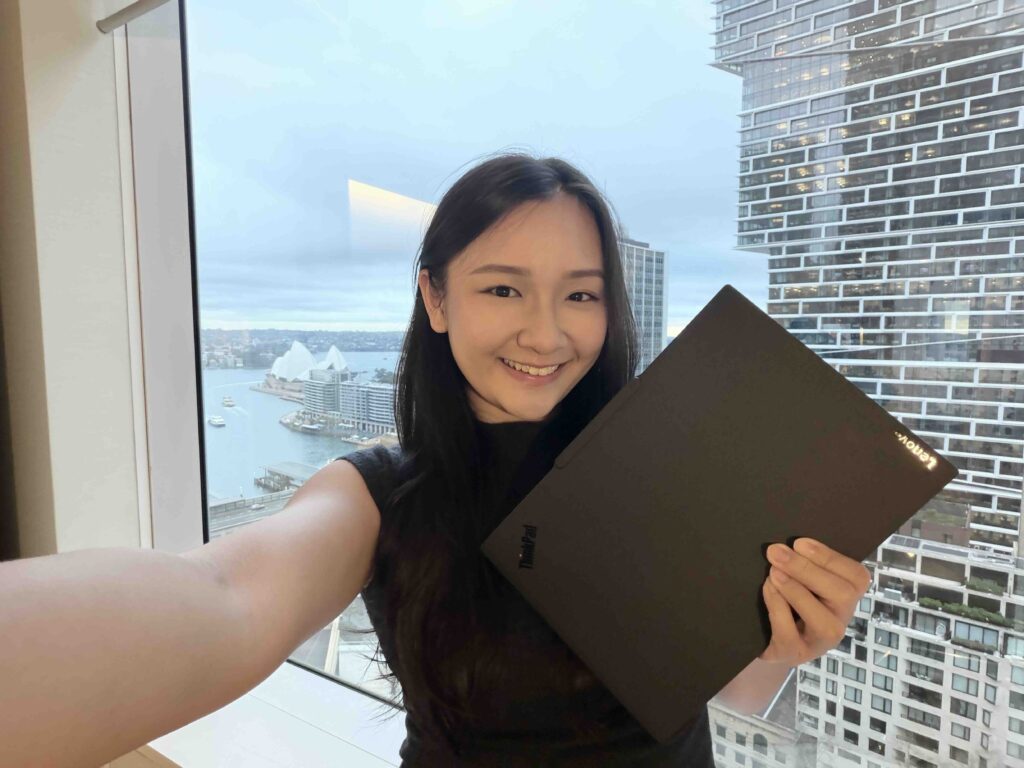
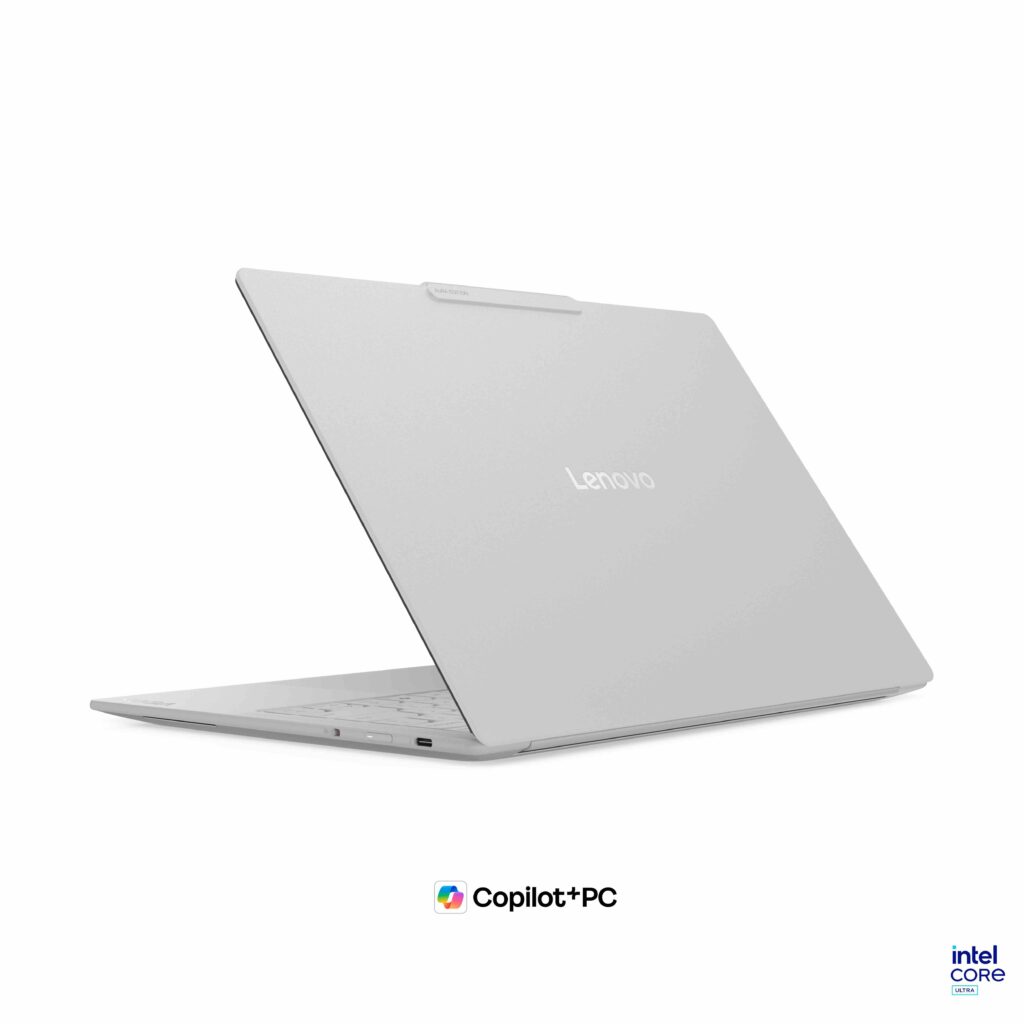
That’s where the Lenovo ThinkBook 14 Gen 9 (AMD) has become a reliable part of my workflow. I’ve used it to draft countless articles, and what I like most is that it doesn’t try to complicate things. It’s a practical, capable machine that lets me get on with the job.
Built for the Way I Work
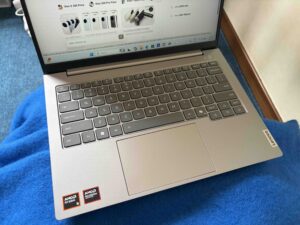
The ThinkBook 14 Gen 9 strikes a nice balance between portability and productivity. Its 14-inch 16:10 WUXGA display gives me enough room to comfortably work on an article while keeping the laptop compact enough to bring along when I’m working from a café or at a coworking space.

The taller 16:10 aspect ratio is particularly useful for writing and research, as I can see a little more of a webpage or document without constantly scrolling. The display is also designed with longer working sessions in mind, with anti-glare properties and TÜV Low Blue Light certification on selected configurations.
Under the hood, the ThinkBook is powered by AMD Ryzen 200 Series processors, with configurations going up to the Ryzen 7 250, alongside integrated AMD Radeon graphics. There’s also an integrated AMD Ryzen AI NPU for handling certain AI workloads.
My typical workflow can get pretty messy. I might have a press release open alongside the manufacturer’s website, several Google searches, image sources, translation tools and my article draft. The ThinkBook handles this kind of multitasking well, allowing me to move between applications and browser tabs without constantly worrying about performance.
When Writing Becomes Detective Work
One of the better examples of how I’ve used the ThinkBook was while working on my Vivo X300 Phone article.
At first, it seemed like a fairly straightforward product launch story. But getting the article together involved quite a bit more digging. I had to search across the web for additional details and, particularly, find suitable photos for the article.
The challenge was that many of the useful resources were in Mandarin. So I found myself jumping between Chinese-language websites, translating information, checking specifications against different sources and searching for images that actually suited the story. That meant having a lot of things open at once. The ThinkBook handled the workload comfortably, letting me research in one window while drafting and editing in another.
AI Features That Fit Into Modern Work
The ThinkBook 14 Gen 9 also comes with AI-focused features, with the NPU designed to handle certain AI workloads more efficiently. For someone working in content, this is becoming increasingly relevant. AI tools are now part of my workflow for everything from organising research and summarising information to brainstorming and refining drafts.
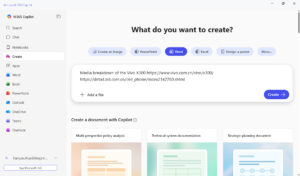
Lenovo also includes Lenovo AI Now, which brings some AI functions directly onto the PC, including document-related tools and knowledge management. The idea isn’t to replace the work I do as an editor, but to make some of the more repetitive tasks a little easier.
Lenovo Smart Meeting Is Surprisingly Useful
One of my favourite AI-enabled features in the ThinkPad 14 Gen 9 was the Lenovo Smart Meeting. Its AI-powered tools include noise cancellation, voice enhancement and meeting transcription, which can be handy during busy workdays.

I especially appreciated the transcription feature for internal meetings. Instead of scrambling to take notes while trying to stay engaged, I can refer back to the transcript afterwards to check key points, decisions and follow-ups. Though it’s a small feature, for meetings where a lot of information is discussed, having an accurate record can be genuinely powerful.
The Little Things Matter
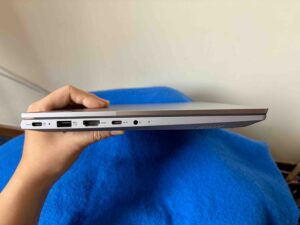
Lenovo has also kept the ThinkBook practical. It comes with a good selection of ports, including USB-C, USB-A, HDMI and an SD card reader. The SD card reader is particularly useful for me since I regularly work with photos. I can transfer images directly from a camera without having to dig around for another dongle or adapter.
A Reliable Editorial Companion
After using the ThinkBook 14 Gen 9 for countless articles, I think its biggest strength is simply how well it fits into my everyday routine. It doesn’t need to be the most exciting laptop on the market. For my work, I need something that can handle research, writing, image management and plenty of multitasking without getting in the way.
The ThinkBook 14 Gen 9 (AMD) is now available at selected Lenovo retailers and the online store from $1,169.05.